If you spend your afternoon reviewing 15-page corporate agreements, you already know that the real bottleneck in your workflow has nothing to do with reading the text. You are already intimately familiar with the clauses inside your standard non-disclosure agreements (NDAs), master service agreements, or vendor onboarding packets. You know the compliance terms, the liabilities, and the internal policies like the back of your hand.
The “click fatigue tax”. It is the repetitive loop of opening a PDF, waiting for it to load, scrolling past pages of text, hunting for the signature field, dragging your signature box into place, resizing it, and clicking “Approve.” It takes about 90 seconds per document when done manually.
If your team handles just 50 of these standard forms a week, that is 75 minutes of pure clicking and scrolling. Across multiple departments and different document types, this hidden tax quietly eats up to 5 hours every single week per manager. That is more than half a day of executive time completely wasted on digital data entry.
High-volume operations teams are choosing to stop this drain. Instead of letting manual dragging slow down their day, they are moving toward an intentional workspace. By adopting a modern document workflow strategy, they use assistive AI co-signing to handle the heavy lifting of document preparation, while keeping total executive control over the final approval.
The Hidden Cost of the “Click Fatigue Tax”
Most B2B SaaS companies and modern enterprises believe their operational bottlenecks stem from complex approvals or compliance delays. In reality, the most expensive bottleneck is micro-friction. When an operations team is scaling, their volume of paperwork grows exponentially, but the interface they use to manage that paperwork remains static.
Consider the typical journey of a standard HR document packet or a vendor contract:
1. The Ingestion Phase: The document arrives via email or a project management queue. The manager opens the file in a standard e-signature app.
2. The Manual Placement: The manager clicks the signature tool, drags it over to the line, adjusts the box so it aligns visually, and sets the date field.
3. The Submission Gate: The manager clicks save, closes the document, and opens the next one to repeat the exact same process.
This process is what creates unscalable workflows. A manager processing dozens of these files a day is acting as a human mouse-routing mechanism. The sheer volume of manual clicks causes cognitive fatigue, making it far more likely that an executive will miss a critical detail in a non-standard document because their eyes have glazed over from processing 20 standard ones.
How it Works: The 3-Step Supervised Workspace
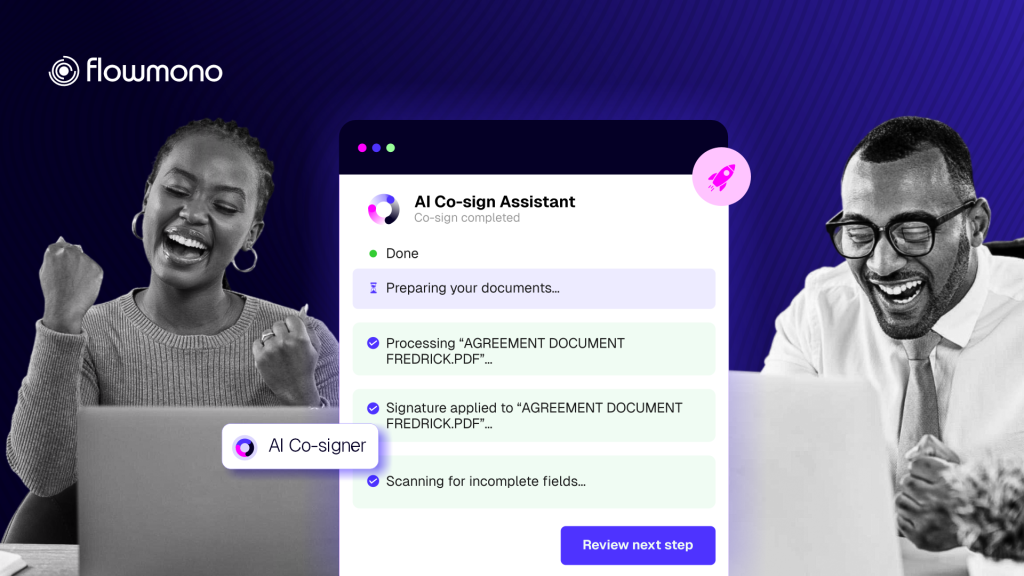
Flowmono AI Co-Sign does not take over your job, nor does it sign documents autonomously without your knowledge. It acts as an intelligent signing assistant, so you only have to look it over, verify accuracy, and confirm the execution.
The entire system operates inside a clean, no-code environment that requires zero technical setup. The workflow fits into three simple steps:
Step 1: No-Code Mapping
Inside your workspace dashboard, you navigate to “My Profile” and upload your standard signature and initials once. From there, you link those assets to specific document buckets, such as “NDAs,” “Onboarding Packets,” or “Vendor Agreements.” This creates a clear rule-base for your assistant, letting it know exactly which signature profile belongs to which type of business paperwork.
Step 2: AI Layout Analysis
When a new document or a batch of files enters the queue, you simply select the files and click the “Sign with AI button”. The system immediately reads the document structure, detects the correct signing lines, analyzes the surrounding context clues, and places your signature, initials, and date blocks exactly where they belong. There is no dragging, no resizing, and no scrolling required.
Step 3: The Executive Review Gate
Before any signature is permanently applied, a clear visual summary preview pops up on your screen. You do not have to scroll through page after page; the interface brings the signature locations directly to your view. You quickly scan the placement, verify the details, and hit “Submit”. If you have ten identical, pre-mapped NDAs waiting in your queue, you can choose to batch-approve them all with that single click, reducing hours of work to mere seconds.
The Outcome: Shifting From Click Fatigue to High-Leverage Strategy
When you eliminate the manual scrolling, dragging, and dropping, the time spent processing a standard operational document drops from 90 seconds to less than 5 seconds.
Reclaiming those 5 hours a week means your leadership team can stop acting like administrative data-entry clerks.
When an HR manager is freed from the click fatigue tax, they can redirect those 5 hours toward strategic talent retention initiatives, and refining employee performance frameworks, that actually improve new-hire longevity.
When a legal team or an operations director stops chasing signature boxes across standard PDFs, they can dedicate their energy to deep, high-value contract negotiations, scaling international vendor partnerships, and optimizing operational supply chains.
The core philosophy of the system is simple: you keep 100% of the final executive authority; the AI assistant just handles the digital busywork that goes along with it. To learn how to set this system up step-by-step for your department, read our detailed tutorial on how to use AI Co-Sign for document operations.
Stop Dragging. Start Approving.
Your business cannot scale efficiently if your highest-paid team members are spending their days manually resizing signature fields of standard PDFs. Clean up your document workflows, eliminate click fatigue, and keep your business moving with total oversight.
Try Flowmono E-Sign for Free Today
