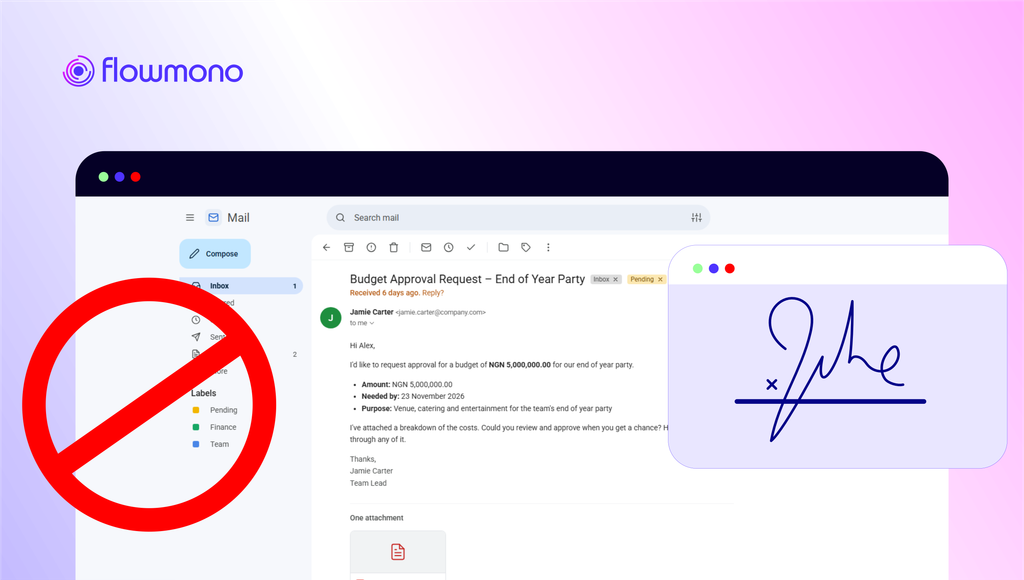
A document arrives in your inbox. You open it, download it, switch to another application, find the file, sign it, and return to Outlook. But what if signing a document didn’t require all those extra steps?
Email has become one of the central places where business gets done. Contracts arrive in inboxes, approval requests are shared through email, and important documents move between colleagues, clients, and business partners.
Yet, when a document needs a signature, the process often takes you somewhere else.
You open an email in Microsoft Outlook, find a PDF that requires your attention, download the attachment or follow a link, open another application, and navigate through a separate signing process before returning to your inbox.
It works. But is it as straightforward as it should be?
The Small Interruption That Adds Another Step to Work
Signing a document electronically is already much easier than printing, signing, scanning, and sending it back. However, the digital process can still involve unnecessary switching between applications.
Think about a typical workday. You’re responding to emails, reviewing documents, coordinating with colleagues, and keeping track of pending requests.
Then a document requiring your signature arrives.
Instead of completing the task where you received it, you have to move between your email client and an external e-signature platform.
One document may not seem like much. But when this becomes part of a regular business process, these small interruptions add friction to the way work gets done.
This raises an interesting question: Should you really need to leave your inbox just to sign a document?
What If You Could Sign Documents Without Leaving Outlook?
This is where the experience of electronic document signing gets interesting.
Imagine opening a PDF attachment in Microsoft Outlook and being able to access an e-signature tool directly within your email environment.
No separate browser tab to navigate to. No need to move back and forth between applications just to complete the signing process.
The idea is simple: bring the signing experience closer to where the document already exists.
With an Outlook e-signature integration, the journey from receiving a document to signing it can become more connected.
Rather than treating email and document signing as two completely separate activities, the experience brings them together. And that could change how people handle everyday document workflows.
What If Your Inbox Was All You Needed to Sign a Document?
At Flowmono, we believe getting work done shouldn’t mean moving between applications to complete simple tasks. And document signing is a good place to start.
Imagine receiving a document that needs your signature, opening it in Outlook, completing the signing process, and sending it back without ever leaving your inbox.
That’s the experience we’re bringing closer to reality with Flowmono eSign for Microsoft Outlook.
We’re making document signing more accessible, more connected, and easier to fit into the way you already work.
And this is just the beginning.
Keep an eye out. Flowmono eSign for Outlook is coming soon, and we’ll be taking you inside the experience to show you how it works.
Your inbox is about to do a little more for you.
